How to Build a Scalable White-Label Support System for Your GoHighLevel Agency
Learn how to build a scalable white-label support system using centralized conversations, ticketing, knowledge bases, onboarding, automation, SLAs, and client-health monitoring.
Learn how to build a scalable white-label support system using centralized conversations, ticketing, knowledge bases, onboarding, automation, SLAs, and client-health monitoring.
Why White-Label Support Matters
When you white-label GoHighLevel, clients do not necessarily think they are using someone else's software. They see your logo, brand, custom domain, dashboard, support channels, and client experience.
That changes the expectation. You are no longer simply providing software access. You are delivering a branded software experience. Your support process therefore becomes part of your product.
A strong support system can help your agency:
- Reduce the number of manual support requests
- Improve client retention
- Increase perceived value
There is a major difference between "Send me a WhatsApp message whenever you need help" and "Submit your request through our support center and our team will respond according to your support SLA."
Build Your Support Hub Inside GoHighLevel
GoHighLevel already provides many of the components required to create a centralized client-support system. The goal is to bring communication, documentation, automation, and ticket tracking into one organized process.
1. Use Conversations as Your Central Support Inbox
GoHighLevel Conversations can serve as the central communication layer for support. Instead of managing client requests across different platforms, bring channels such as email, SMS, live chat, Facebook Messenger, Instagram, and WhatsApp into one place.
Create a Dedicated Support Address
Create a branded address such as support@youragency.com and use this specifically for support rather than mixing technical requests with sales and marketing communication.
Add Live Chat
A live chat widget can give clients an immediate support entry point. Brand the widget with your logo, brand colors, welcome message, support hours, and expected response time. The result should feel like a native component of your own SaaS platform.
Set an Automatic Acknowledgment
Clients should immediately know that their request was received. For example: Thanks for contacting support. Your request has been received and our team will respond within our standard support hours.
This small automation reduces uncertainty and prevents clients from repeatedly asking for updates.
Categorize Support Requests
Use tags or other categorization methods to distinguish issues such as technical support, billing, urgent issue, feature request, account access, and training question. Once requests are categorized, they can be routed and prioritized more effectively.
2. Create a Real Ticketing Process
An inbox alone is not enough when your agency begins handling a larger volume of requests. You need a system that shows: What came in → who owns it → what stage it is in → whether it has been resolved.
One practical approach is to create a dedicated support pipeline in GoHighLevel. A simple structure could be: New Ticket → In Progress → Waiting on Client → Escalated → Resolved → Closed
Each stage should represent a meaningful state in your support process.
Automate Ticket Creation
When a client submits a support request, automatically create a ticket or opportunity and associate it with the appropriate client information. Capture information such as client name, contact information, issue category, original message, account or sub-account, assigned team member, and priority.
This gives your team a consistent record of every issue.
Monitor Support Performance
As your agency grows, track metrics such as open tickets, average response time, average resolution time, tickets by category, tickets by client, escalation volume, and resolution rate.
The objective is not simply to answer tickets. It is to understand where your support operation is becoming inefficient.
Build a Client-Facing Knowledge Base
One of the most powerful ways to reduce support volume is to help clients solve problems themselves. A knowledge base should answer the questions your support team gets repeatedly.
Instead of making a client wait for an answer to "How do I connect my calendar?" they should be able to search for the answer and solve the problem immediately.
Organize the Knowledge Base Properly
A useful structure might include these categories:
- Getting Started — Account setup, dashboard navigation, login information, and initial configuration.
- CRM and Contacts — Contacts, tags, custom fields, lists, opportunities, and pipeline management.
- Automations — Workflows, triggers, actions, conditions, and common automation scenarios.
- Funnels and Websites — Page building, domains, forms, SEO settings, and publishing.
- Calendars — Appointment booking, calendar connections, availability, and reminders.
- Conversations — Inbox management and communication channels.
- Payments — Stripe, products, invoices, and payment-related processes.
- Reporting — Dashboards, attribution, reporting, and key metrics.
- Troubleshooting — Common errors, connectivity issues, and frequently encountered problems.
Keep Support Articles Simple
Each article should answer one question or explain one process. A strong support article usually contains: a clear title, a short explanation, step-by-step instructions, screenshots where necessary, a relevant video when useful, and a clear next step if the issue is not resolved.
Avoid turning every article into a long tutorial. Clients usually want the answer, not a 30-minute lecture.
Use Video to Make Support Easier
Some features are easier to demonstrate than explain. A short screen recording can show a client exactly where to click. Tools such as Loom can be useful for creating these walkthroughs.
Keep support videos focused on one task, short, clearly narrated, based on the current interface, and branded with your agency. Most importantly, review your videos periodically. An outdated video can create more support requests instead of reducing them.
Automate Your Client Onboarding
The best support ticket is often the one that never needs to be submitted. Many support questions happen because clients are not sure what to do after receiving access to the platform. A structured onboarding workflow can solve a large portion of this problem.
Example 14-Day Onboarding Sequence
Here is a practical onboarding timeline you can implement using GHL workflows:
- Day 0: Welcome — Send login information, knowledge base link, quick-start guide, and first three recommended actions.
- Day 1: Platform Tour — Introduce the dashboard and highlight the most important areas.
- Day 3: Feature Training — Show the feature most relevant to that client's business. For example: CRM for service businesses, funnel builder for marketers, calendars for appointment-based businesses.
- Day 5: Check-In — Ask whether the client has questions and provide direct access to support.
- Day 7: Advanced Features — Introduce useful functionality the client may not have discovered yet.
- Day 14: Feedback — Ask how the client is progressing and collect feedback.
Automate Frequently Asked Questions
Your support team should not manually answer the same questions every day. Identify recurring questions and automate the first layer of support.
For example, if a client message contains "password," the system can automatically provide the relevant password-reset instructions. If the message includes "billing," the client can receive a billing FAQ or support article.
The automation should not prevent human support. Instead, it should provide immediate assistance while keeping an escalation route available.
Add Escalation Rules
Automation becomes particularly useful when something requires attention. For example: New Ticket → No response after several hours → Notify support lead → Extended delay → Send client an acknowledgment.
This prevents support requests from disappearing into the inbox.
Monitor Client Health Before Churn Happens
Support should not only react to problems. It should help you identify clients who may be at risk before they decide to leave.
Look for signals such as declining platform usage, frequent support requests, low feature adoption, long periods without login activity, and repeated technical issues.
If a client repeatedly contacts support about the same feature, they may need training rather than another one-off answer. If a client has purchased a plan containing advanced automation features but has not used them, send educational content or schedule a proactive check-in.
This turns support from a reactive department into a client-success function.
Build Contextual Help Into the Platform
A knowledge base is useful, but clients should not always have to leave the dashboard to find help. Add help where questions are most likely to occur.
- Add a "Need Help?" link to your dashboard
- Place support links inside relevant emails
- Add contextual instructions to custom dashboard pages
- Link directly to specific knowledge base articles
- Keep the support widget visible throughout the client experience
Put the answer as close as possible to the problem.
Define a Clear Support SLA
Clients become frustrated when they do not know when they will receive a response. Set explicit expectations.
For example: Standard Support — Response within 4 business hours. Urgent Issues — Priority response within 1 business hour during support hours. Feature Requests — Reviewed on a defined schedule.
Your exact SLA will depend on your team size and service level. The important part is that clients know what to expect. Clear expectations also reduce unnecessary follow-up messages such as "Any update?"
Build a Client Community
A private client community can become another layer of support. Depending on your audience, you might use Facebook Groups, Slack, Circle, a membership area, or a community environment built around your ecosystem.
Communities create an opportunity for clients to help one another. They also create another benefit: product engagement. A client who participates in your community is often more connected to your ecosystem than someone who only logs in when something breaks.
Ask for Feedback After Support
Your support system should improve over time. After resolving an issue, ask the client to rate the experience. A simple 1–5 satisfaction score is enough to identify patterns.
For low scores, ask: What could we have done better? Then look at recurring feedback. If clients repeatedly ask about the same topic, that usually means one of three things: The documentation does not exist, the documentation is difficult to find, or the documentation is unclear.
That feedback should feed directly back into your knowledge base and onboarding process.
Create Different Support Levels for Different Plans
Support can also become part of your SaaS pricing strategy. Instead of giving every client the same support experience, create support tiers.
Basic
Include: Knowledge base, email support, community access, and longer standard response window.
Professional
Add: Live chat, faster response time, group Q&A sessions, and expanded training resources.
Premium
Add: Priority support, dedicated account manager, strategic review calls, and faster escalation.
This approach allows your support operation to scale with your pricing structure while creating an additional reason for clients to upgrade.
The Support Stack for a Scalable Agency
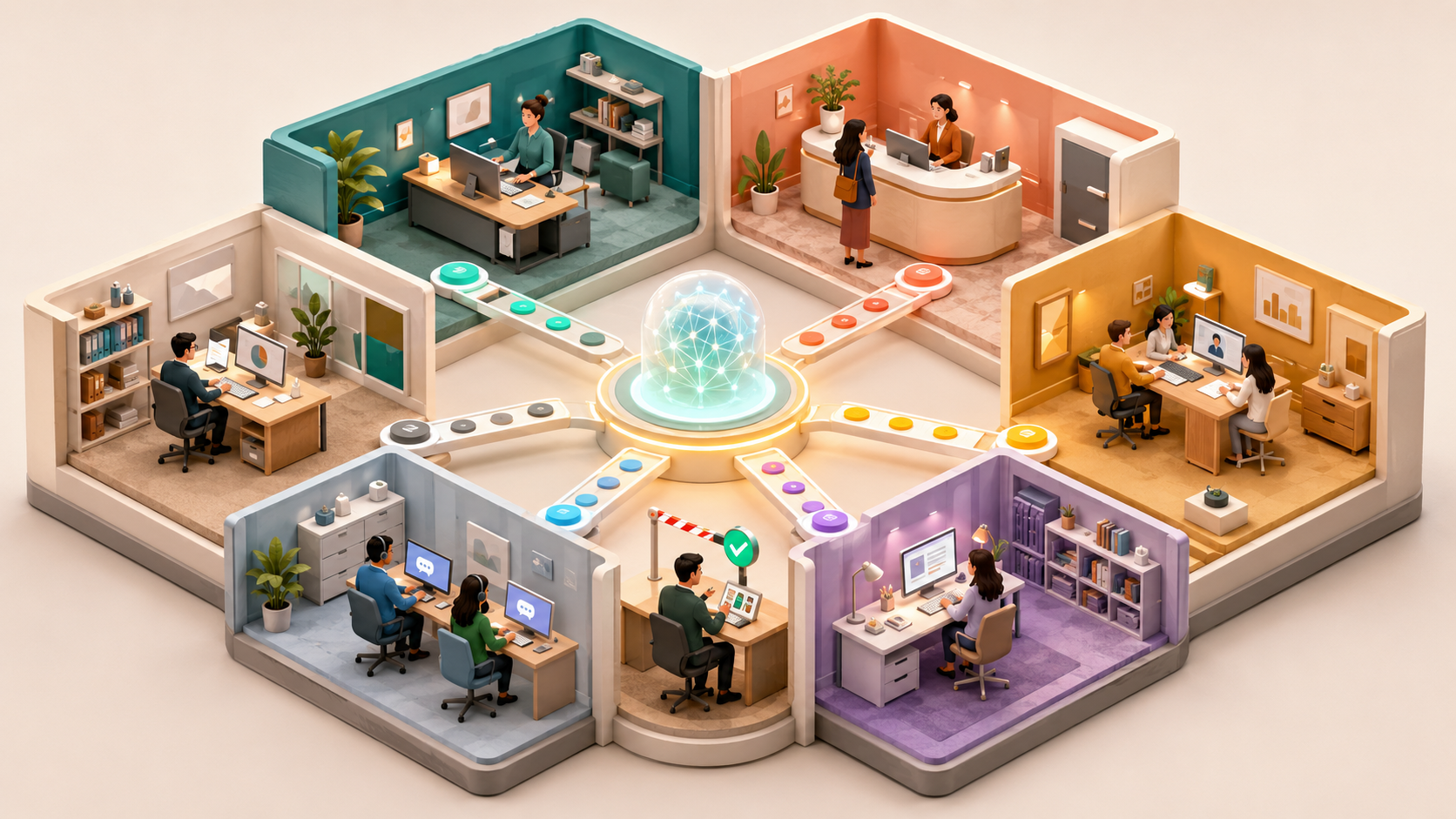
A strong white-label support system does not rely on one feature. It works as a connected ecosystem:
- Knowledge Base → Answers common questions
- Live Chat + Conversations → Captures support requests
- Support Pipeline → Tracks ticket status
- Workflows → Automates responses and escalation
- Onboarding → Prevents unnecessary support tickets
- Client Health Monitoring → Identifies at-risk clients
- Feedback → Improves documentation and service
When these components work together, support becomes a process rather than a collection of manual tasks.
Start Small and Build From There
You do not need to build the entire system on day one. Start with the questions your clients ask most frequently. Create documentation for those questions. Then build one onboarding workflow. Add your support widget. Create a basic support pipeline. Automate a few common responses.
Once that foundation is working, add escalation workflows, client-health monitoring, feedback collection, and premium support tiers.
The goal is not to automate support simply for the sake of automation. The goal is to create a client experience where clients get answers faster, your team handles fewer repetitive questions, support requests are organized, problems are escalated before they become serious, and clients feel confident using your platform.
Final Thoughts
White-labeling changes more than the appearance of your platform. It changes the relationship between your agency and your clients. Once clients see your branding, your domain, and your software experience, your support system becomes part of the product they believe they are paying for.
That means support cannot remain an informal collection of DMs and personal messages. A scalable agency needs a structured support infrastructure built around self-service documentation, centralized conversations, ticket management, automation, onboarding, clear SLAs, and proactive client success.
The best agencies do not simply react when clients have problems. They build systems that prevent many of those problems from happening in the first place.
That is how white-label support becomes a competitive advantage rather than another operational burden.
Related Articles

How AI Voice Agents Can Help Your Business Get More Leads, Book More Appointments, and Save Time

Which Platform Should Your Business Use? A Practical Guide to GoHighLevel, WordPress, Webflow, and Wix